Answer a request, exchange contacts, follow the progress, confirm the handover and leave a review.
Answer a request
Every request lands in My requests and in your inbox. Received requests are the ones waiting on YOU; sent ones are waiting on the other person.
Open My requests. Read who is asking — the name links to their public profile, with their reviews and completed deliveries.
Say yes with "Accept". Your WhatsApp numbers are exchanged at that exact moment, and never before.
Say no with "Decline". It is free, it is final, and the other person is told immediately so they can look elsewhere.
A request left unanswered for 48 hours expires on its own. Answering — even to decline — is what keeps the platform worth using; ghosting is what the reviews and the no-show report exist to punish.
Agree the details on WhatsApp
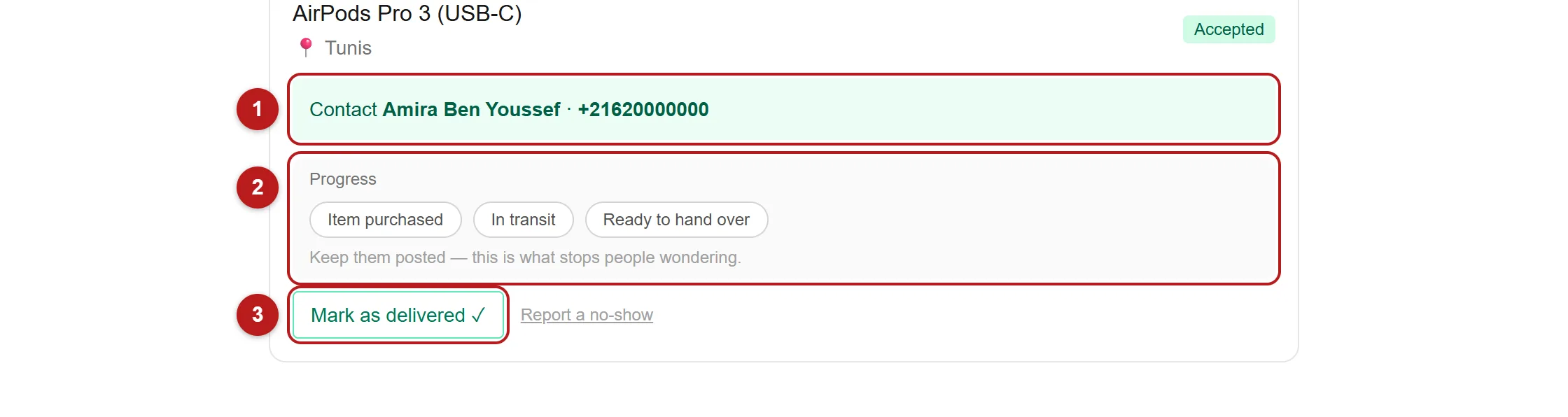
The accepted request now shows the other person's WhatsApp number. Message them and settle the details: exact item, price, the traveler's commission, and where you will meet.
The traveler updates the progress — bought or collected, in transit, ready to hand over. It takes one tap and it is what stops the other person wondering.
After the handover, either of you clicks "Mark as delivered ✓".
Never pay the full amount in advance to someone you have not met. Agree who advances what, keep it proportionate, and hand over the rest in person. Weslet never touches the money and cannot reverse a payment made outside it.
Leave a review
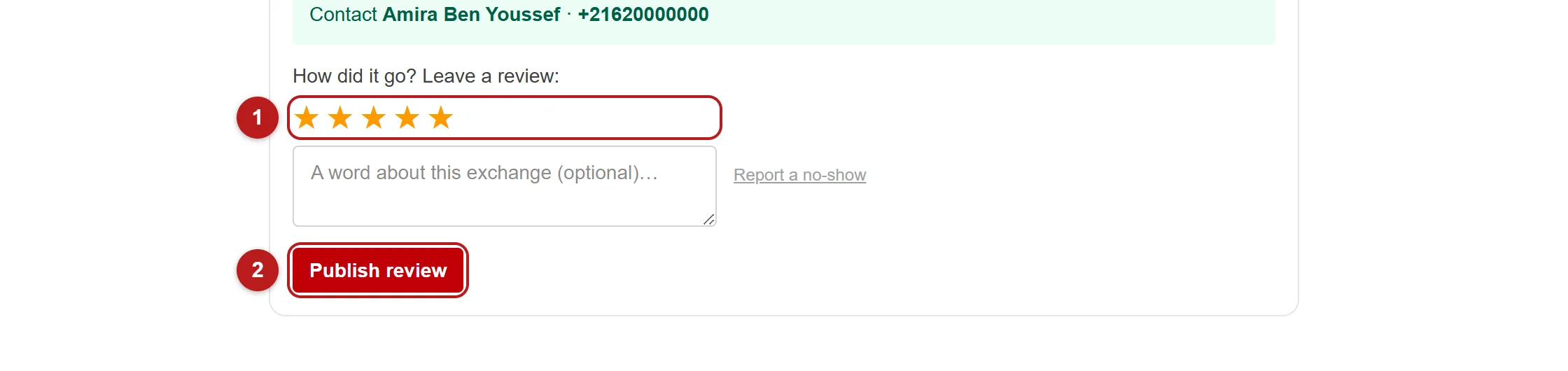
Once the handover is confirmed, both of you can review each other — once each.
Rate from 1 to 5, add a line about how it went, and publish.
This is the part that matters most. Only the two people in a confirmed handover can review each other, which is exactly why a rating on Weslet means something. Your reviews follow you from trip to trip and are the reason a stranger says yes to you next time.
Someone accepted and then vanished? Report a no-show from the same request. Our team reviews every report — the penalty is visibility, never money.